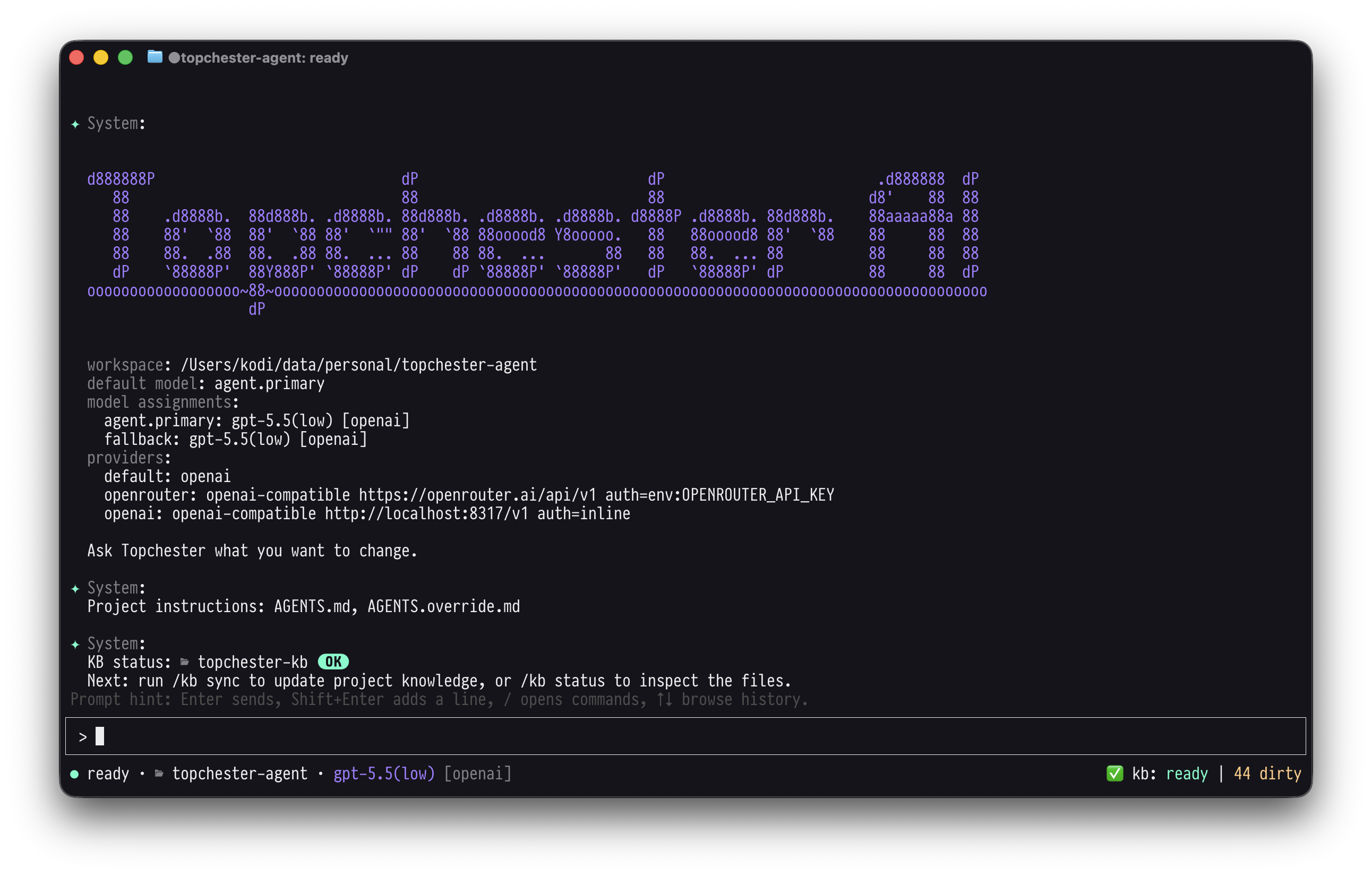
Project knowledge first
Topchester builds and syncs a repo-local topchester-kb/ so the agent starts from a
project map instead of rediscovering everything from raw files.
Terminal-native agent for real codebases
Topchester builds a local map of your repo first, then uses it while planning, editing, checking work, and keeping project knowledge current.
Quickstart
Install the CLI, add your OpenRouter key, and choose a model when you launch. No config file is required.
curl -fsSL https://topchester.com/install.sh | sh
export OPENROUTER_API_KEY=...
topchester -m openrouter/google/gemini-3.7-flash
Once inside Topchester, run /kb init
and /kb sync to build project knowledge.
The model choice stays with the session.
Optional config
The -m provider/model flag is enough for
a session. Add topchester.jsonc for a
durable default, shared project policy, or separate KB model. Keep API keys out of it.
{
  "$schema": "https://topchester.com/schemas/config.v1.json",
  "models": {
    "default": "openrouter/google/gemini-3.7-flash"
  }
}{
"$schema": "https://topchester.com/schemas/config.v1.json",
"models": {
"default": "openrouter/anthropic/claude-sonnet-4.5",
"kb.summarize": "openrouter/google/gemini-3.7-flash"
}
}
Topchester builds and syncs a repo-local topchester-kb/ so the agent starts from a
project map instead of rediscovering everything from raw files.
It shows when project knowledge is stale and lets you sync changed files back into the KB.
Chat, inspect tool output, review diffs, resume sessions, and keep working from the terminal without switching into a heavyweight IDE workflow.
Features
Topchester combines a repo knowledge base with the practical tools expected from a coding agent: file edits, tests, Git, sessions, and safe command execution.
Sync a local project map before work starts, then keep it current as files change.
Use kb status, kb sync, and kb sync --full to keep knowledge fresh.
Chat, review tool output, follow progress, and resume work without leaving the terminal.
Read, search, create, and edit workspace files with hash-aware safeguards around writes.
Run test, lint, typecheck, build, format-check, and smoke commands through a strict validator path.
Inspect status, diffs, and logs, then stage or commit only explicitly acknowledged files.
Keep a visible session plan for multi-step changes without burying the thread in checklist prose.
Delegate focused exploration, persist session logs, and resume the latest project-local conversation.
Choose a model at launch with -m provider/model, or add config for durable routing.
Store project knowledge, caches, logs, and sessions in predictable repo-local folders.
Workflow